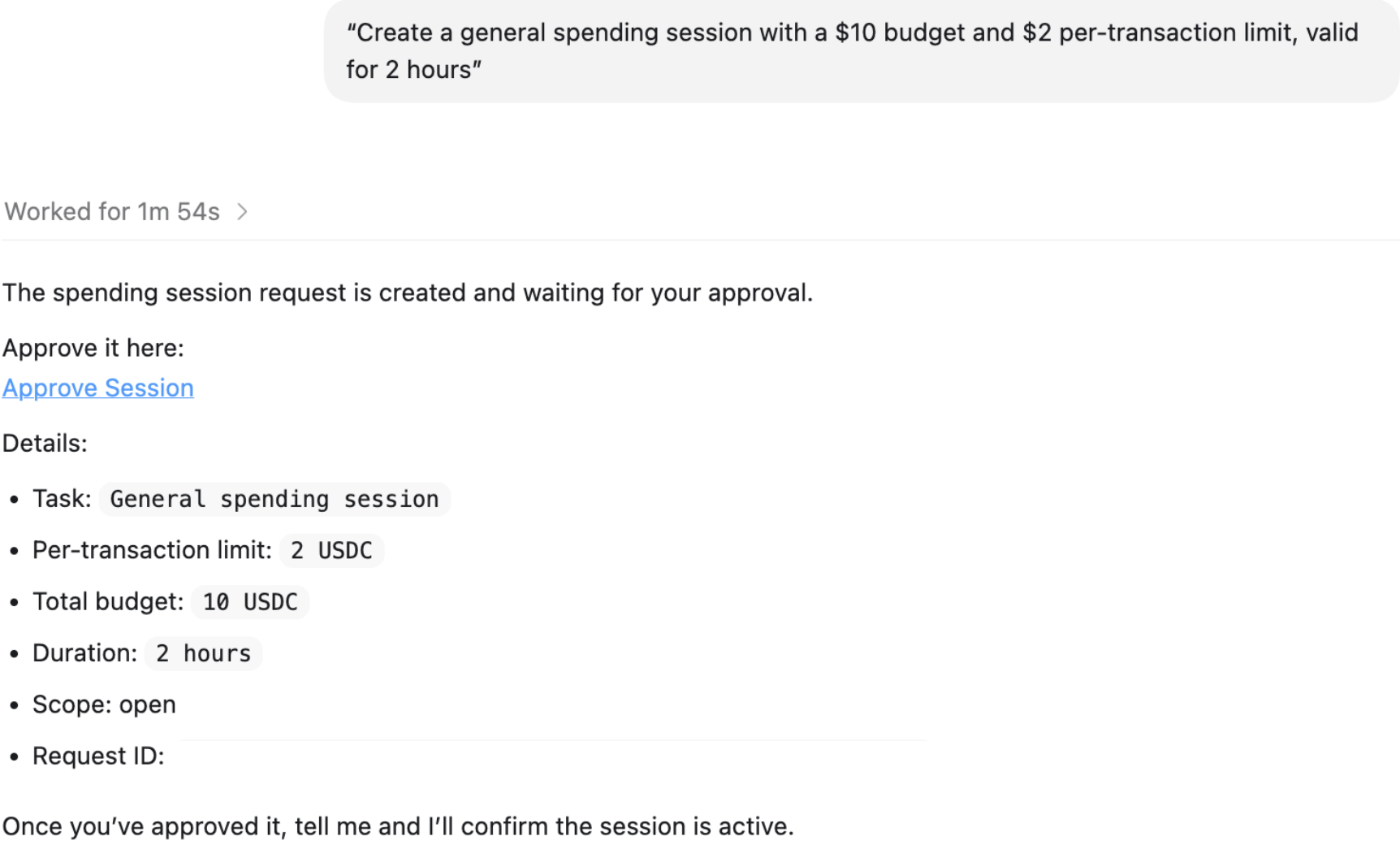
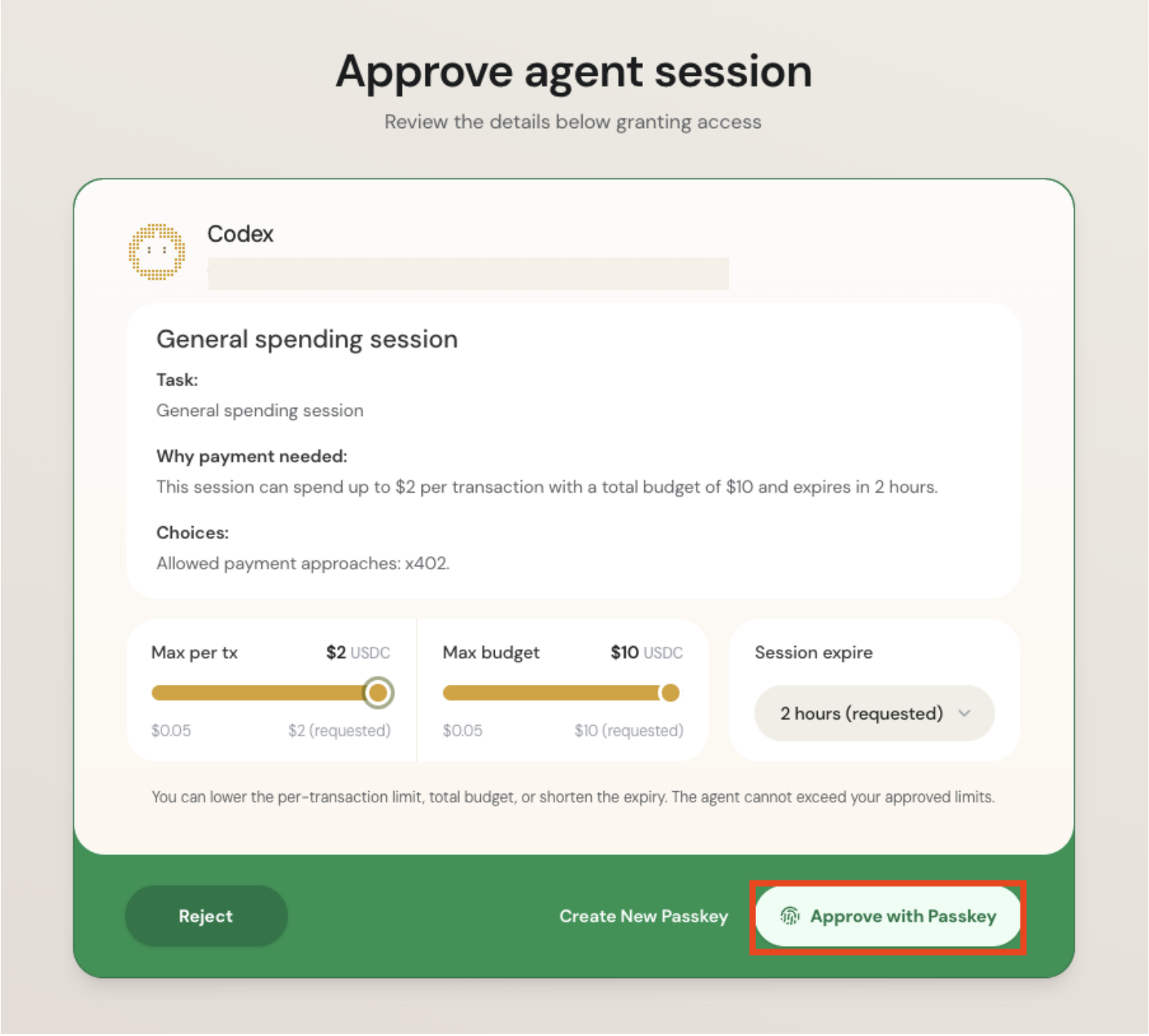
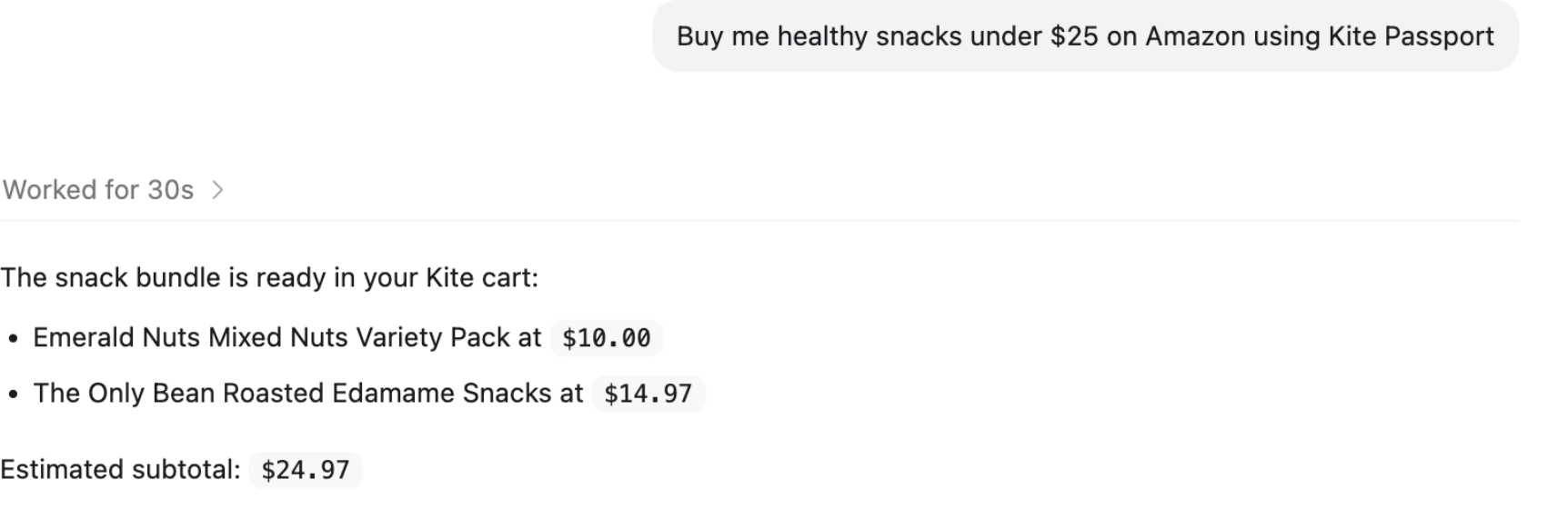
Install and sign up
Open Claude Code, Codex, or another AI agent that can execute shell commands. Passport setup will not work from a chat-only agent.
Pick your platform, copy this and paste it into your coding agent:
paste into your agent
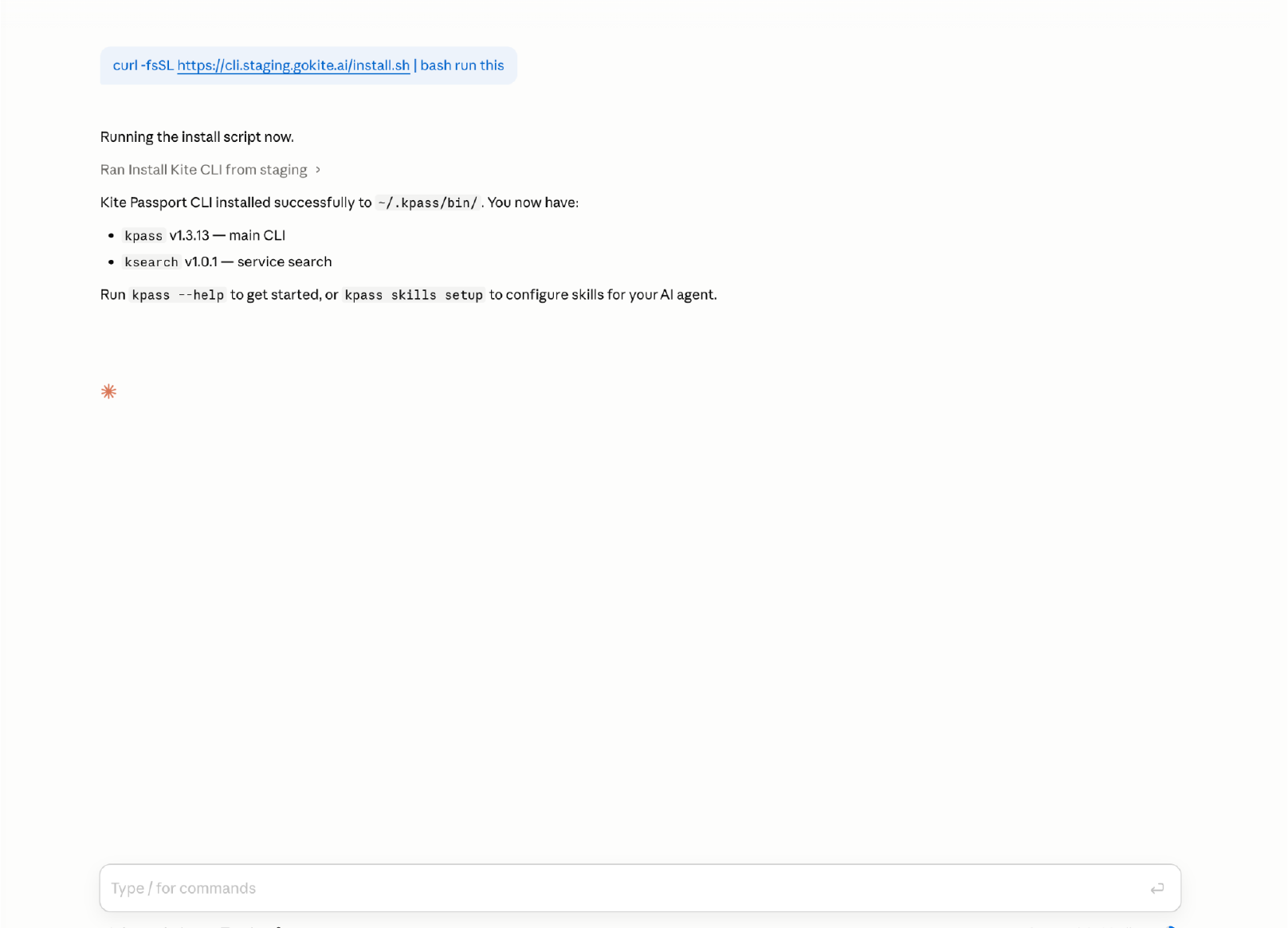
Install Kite Passport: run `curl -fsSL https://agentpassport.ai/install.sh | bash`. It adds the kpass command and the Passport skills, and you can read the script first. When it finishes, tell me in plain words what it printed, including the examples and the part about ideas for my own work.paste into your agent
Install Kite Passport: run `irm https://cli.gokite.ai/install.ps1 | iex`. It adds the kpass command and the Passport skills, and you can read the script first. When it finishes, tell me in plain words what it printed, including the examples and the part about ideas for my own work.cmd
curl -fsSL https://cli.gokite.ai/install.cmd -o install.cmd && install.cmd && del install.cmdThen sign up. You will receive a verification link and an email code; click the link, then paste the code back into your agent chat.
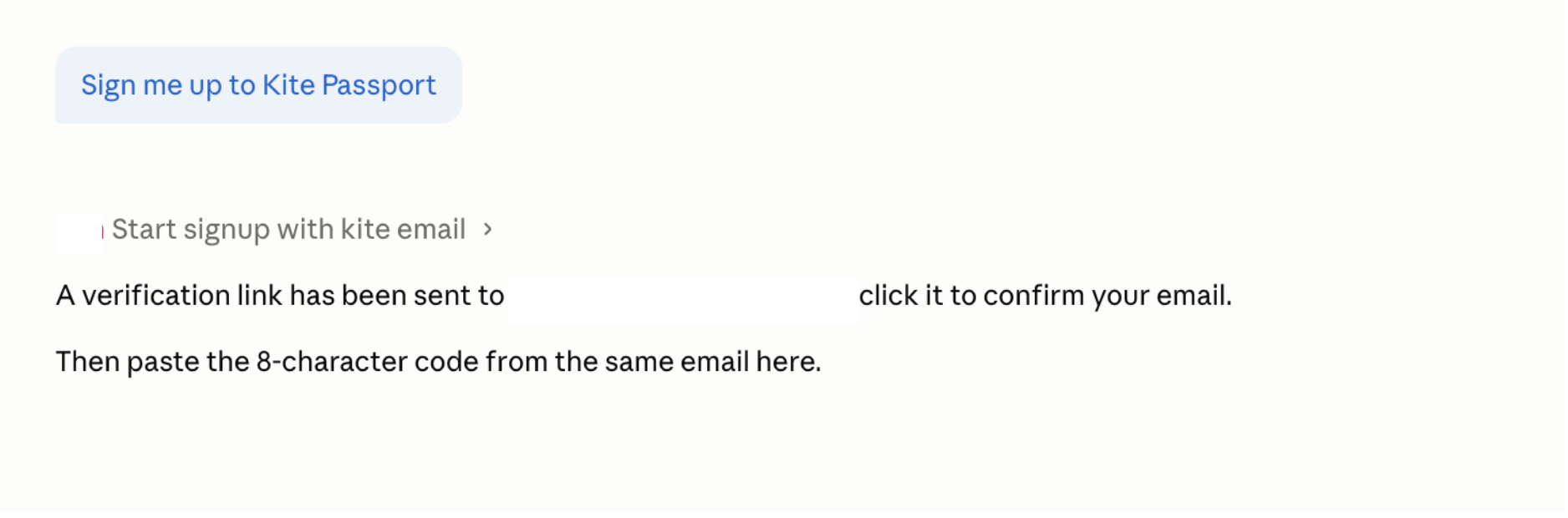
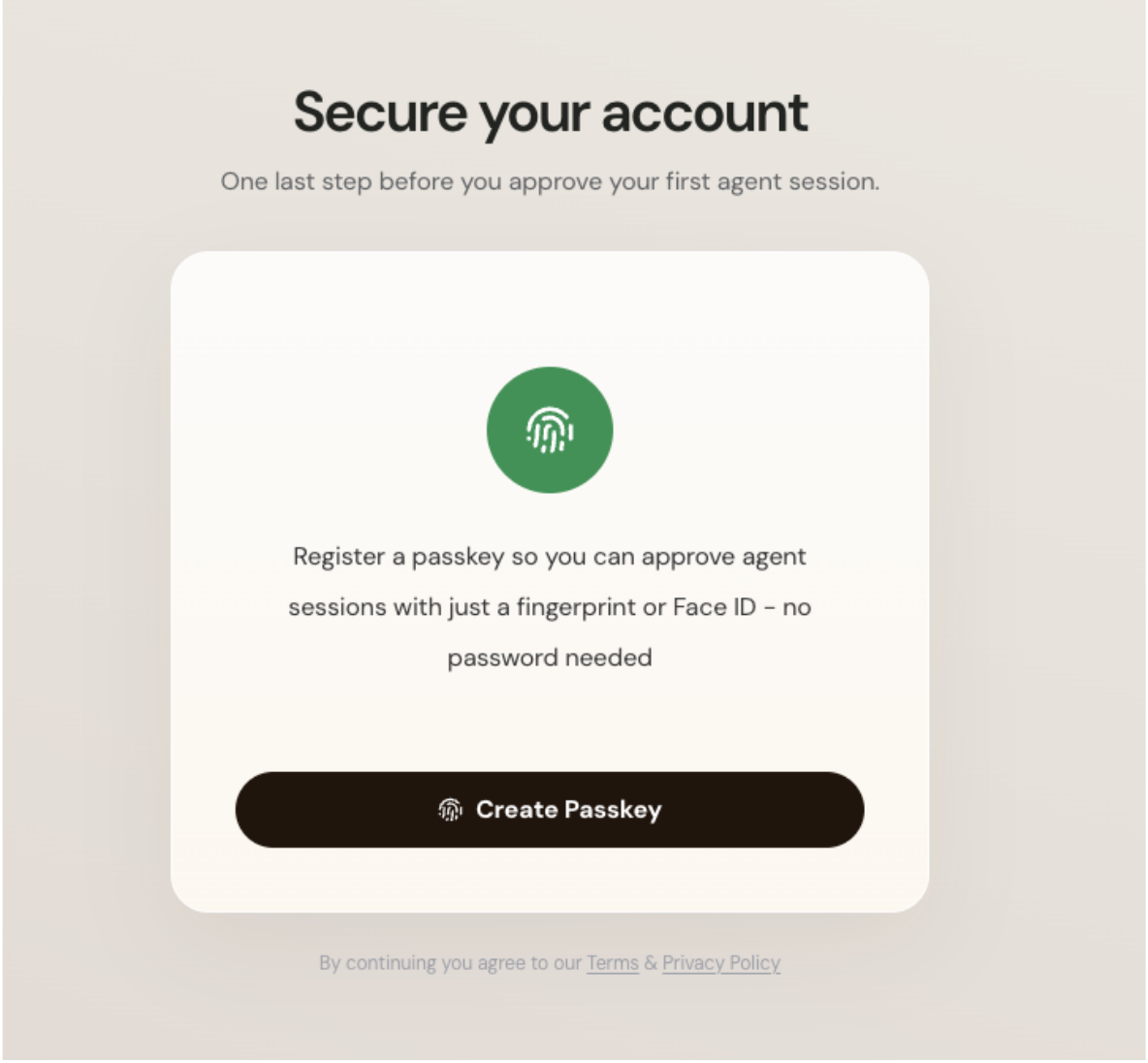
Tell your agent: Sign me up to Kite Passport.